One click on Bluesky
The free Chrome extension puts a download button and a save button beside every post. Original quality, and bulk downloads arrive as one ZIP.
 MusepilePrivate reference library
A PRIVATE REFERENCE LIBRARY FOR BLUESKY ART
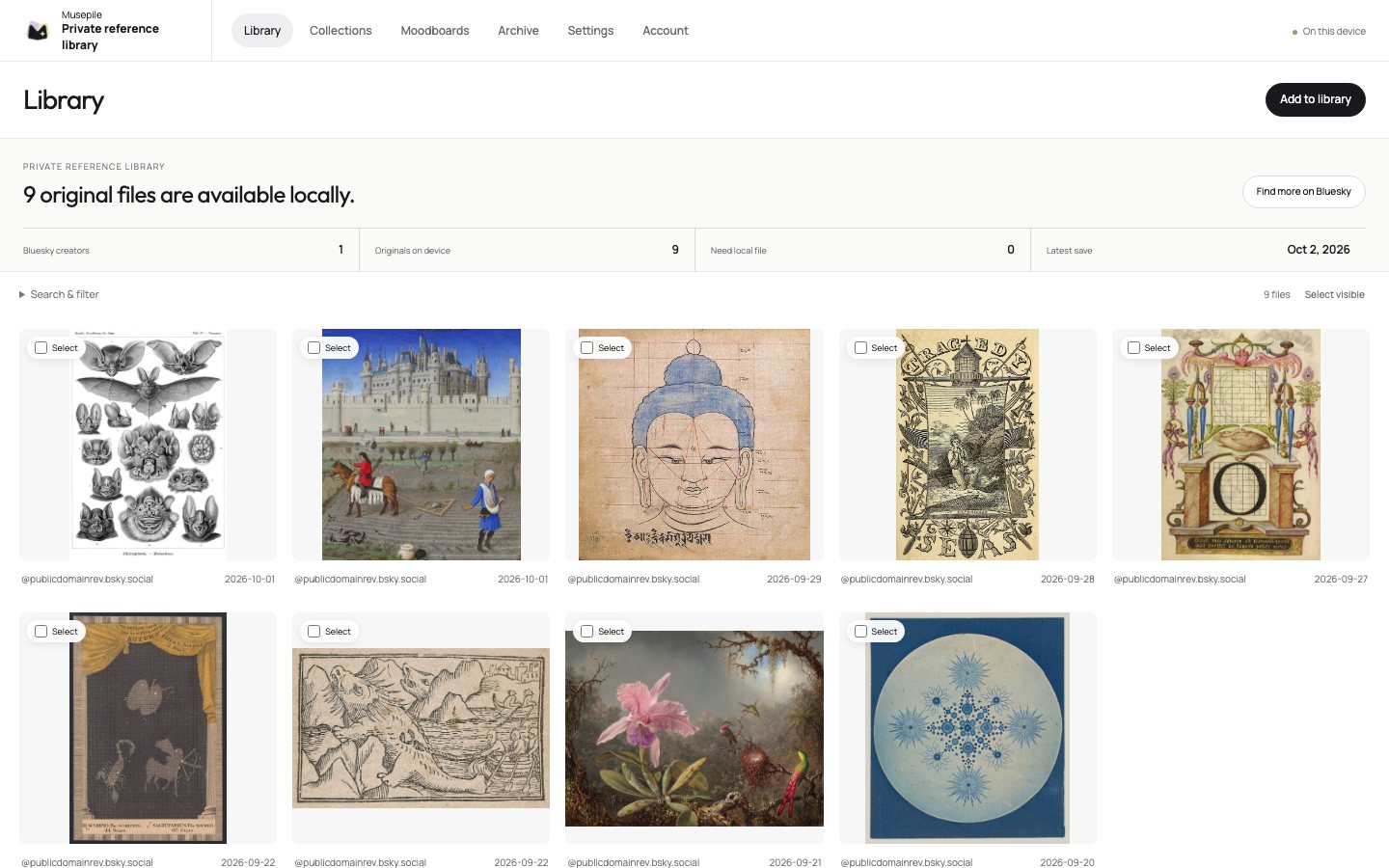
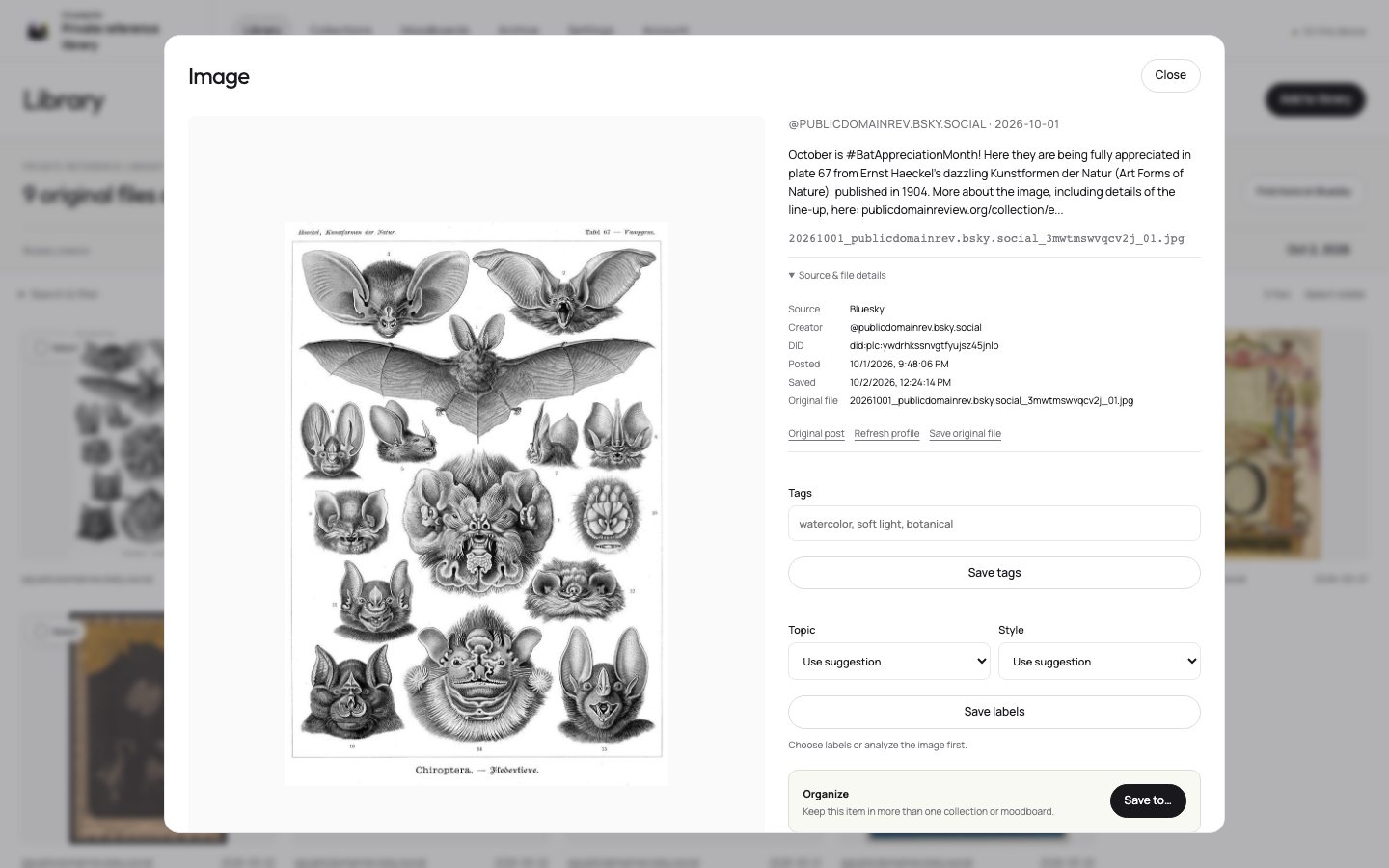
Save images and video from Bluesky exactly as the artist uploaded them, with the creator, caption and link attached. Search them, group them into boards, and share a board with a link. Everything stays on your device.
FOUR WAYS IN, NONE OF THEM REQUIRED
The free Chrome extension puts a download button and a save button beside every post. Original quality, and bulk downloads arrive as one ZIP.
Any post link, or a whole list of them. Nothing to install, nothing to sign in to.
Import your public likes, or your private bookmarks (beta). Only the posts with images or video come across.
Install Musepile as an app, then send a post to it from Bluesky’s share menu.
Whole profiles too: archive an artist’s complete public profile as one ZIP with an offline gallery, free, and every file lands in your library.
WHY IT IS DIFFERENT
BOARDS
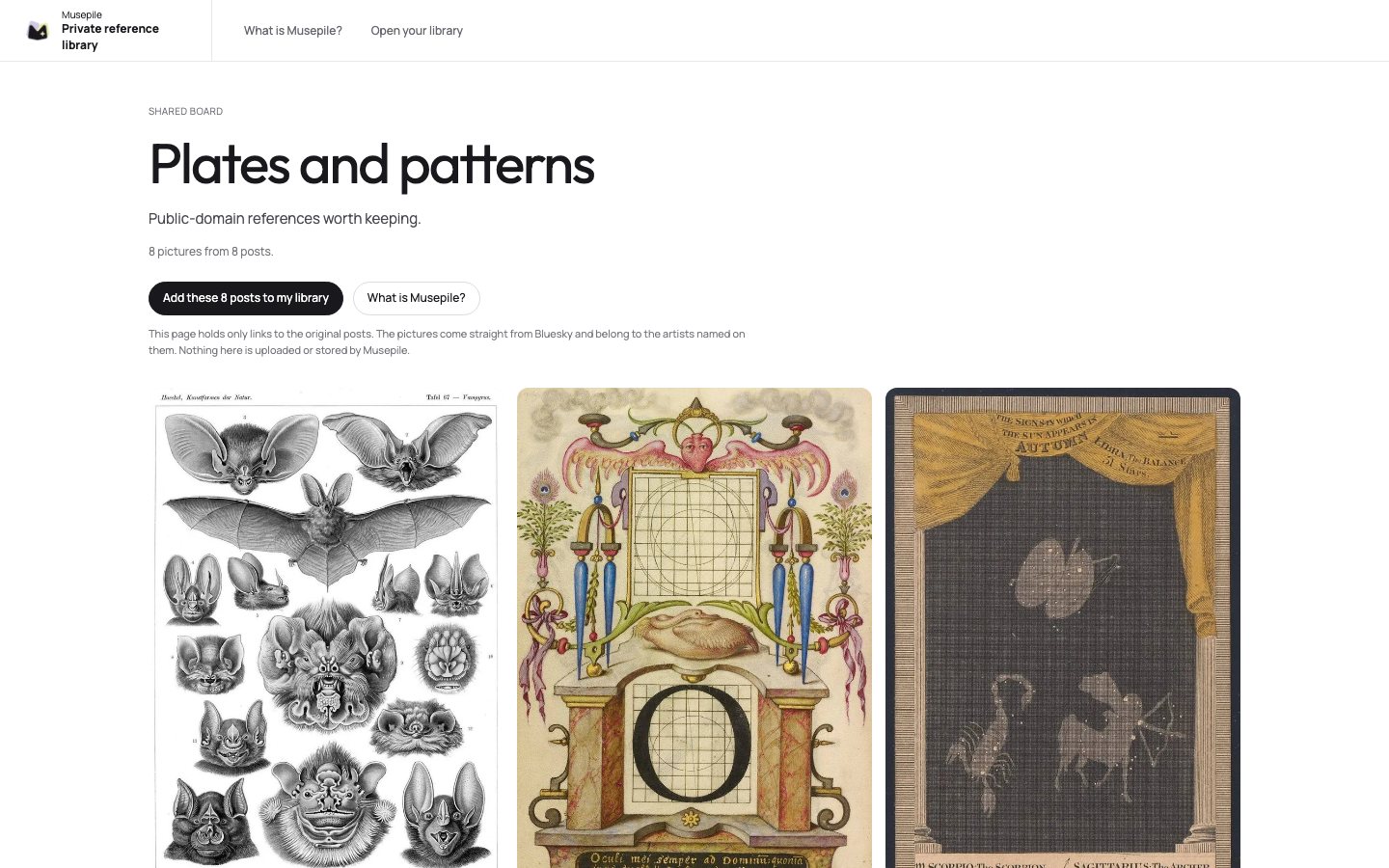
Group references into a collection, then copy its link. Whoever opens it sees the pictures with their creators and can add the whole board to their own library in one click.
The link holds only references to the original posts. The pictures load from Bluesky, so nothing is uploaded or hosted, and every picture links back to the artist.
Made by the developer of Bluesky Media Downloader, which about 8,000 people use to save media from Bluesky. Musepile is the place those saves can live.
Pictures in these screenshots are public-domain works shared by The Public Domain Review. Musepile is an independent project and is not affiliated with Bluesky.
No. You can paste post links, import your likes and bookmarks, or share from your phone. The extension is the fastest way to save while you browse, and it also downloads images and video on its own.
Saving, searching, collections (3), a moodboard (1), sharing boards and complete profile archives are free. Premium, a one-time purchase, adds unlimited collections and moodboards, automatic folder backups and archiving only what is new since last time. A paid plan for sync across devices may come later, and it will be optional.
In this browser, on this device. Connect a backup folder for a copy you control, and export ZIPs whenever you like.
Your saved copy stays in your library. The link back may stop working, so the creator’s name stays with the file. Please respect artists’ rights when you use or share saved work.
No. Optional tagging and similar-image search run on your device.
Anonymous daily totals of which features get used, such as how many libraries were opened. No identifiers and nothing from your library. It is never sent if your browser says Do Not Track, and you can switch it off in Settings.